The Most Common Siemens S7 PLC Failures
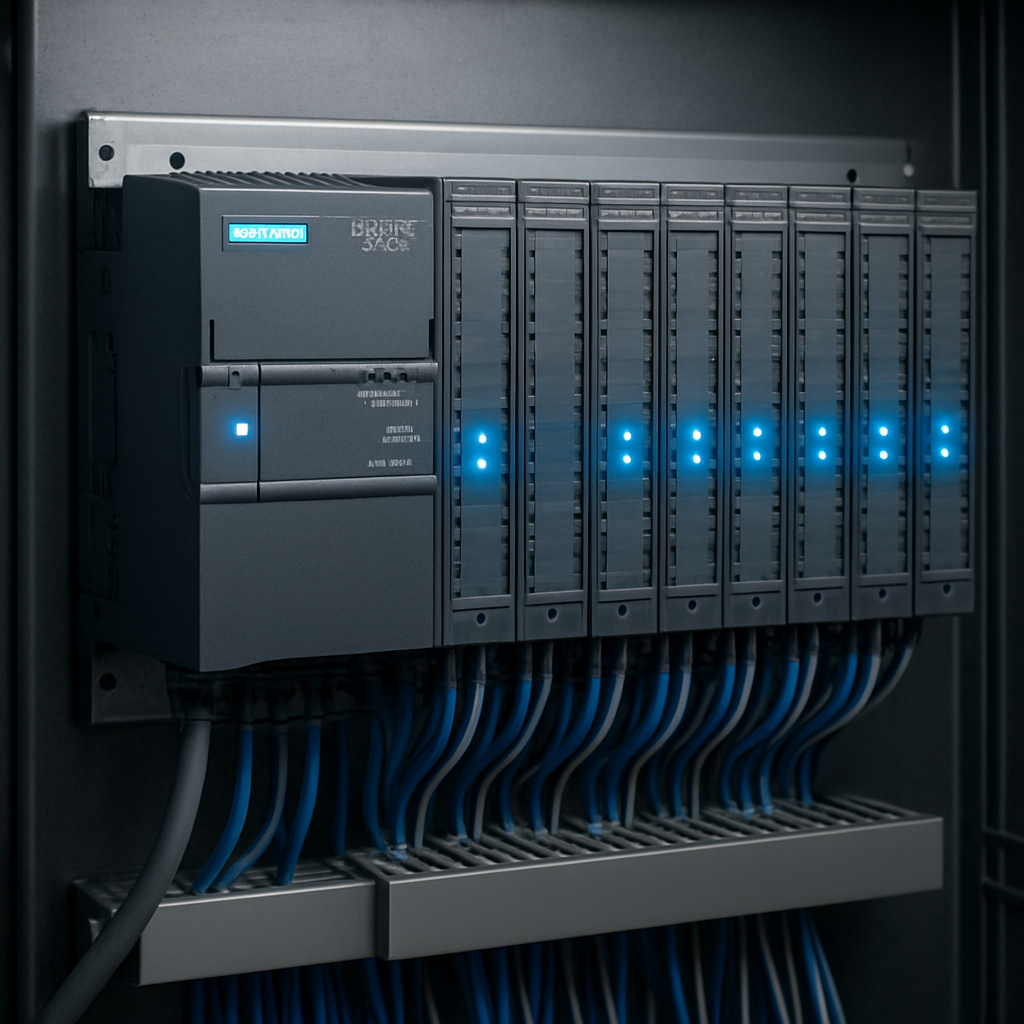
The Siemens SIMATIC S7 family — including S7-300, S7-400, S7-1200, and S7-1500 — powers thousands of production lines across Europe. When one fails, the cost can be enormous. Understanding the failure modes helps you act fast.
1. CPU STOP Mode with No Clear Error
The CPU LED flashes red in STOP mode but no specific fault is visible in the online diagnostics. This is often caused by: firmware mismatch after power cycle, configuration memory corruption, or a hardware fault on the backplane bus. Check the diagnostic buffer (STEP 7: PLC > Diagnostics > Diagnostic Buffer) for the last 100 events.
2. SF / BF LED Active — Module Fault
The red SF (System Fault) LED combined with a flashing BF (Bus Fault) indicates a module-level failure. Remove modules one by one, leaving only the CPU and power supply. If the fault clears, reinsert modules to isolate the culprit.
3. EXTF — External Fault from Process
EXTF indicates a process interrupt fault. Check OB82 (diagnostic interrupt) is programmed. If OB82 is missing, the CPU will go to STOP. Recompile with OB82 present and download.
Systematic Diagnostic Procedure
- Read the diagnostic buffer via STEP 7 or TIA Portal before removing power
- Check power supply output voltage — SITOP should be 24V ±2%
- Inspect the backplane bus connector for bent pins or oxidation
- Test each I/O module with a known-good spare if available
- Check CPU battery voltage (S7-300 uses lithium cell for memory backup)
When to Call a Specialist
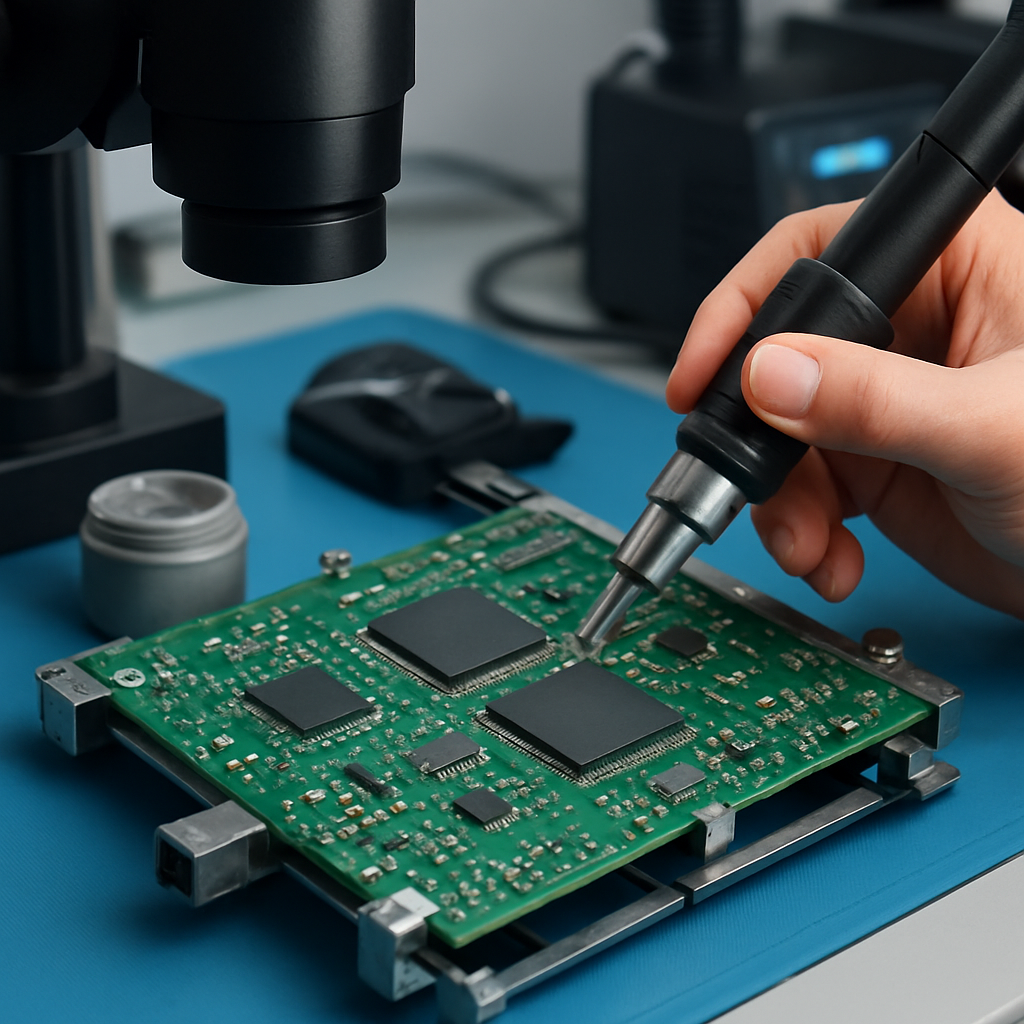
If the CPU itself is damaged — evidenced by no LED activity, no MPI/PROFIBUS communication, or repeated restart loops — the CPU board requires professional repair. Board-level component replacement (RAM chips, EPROM, oscillator crystals) is beyond field service capability and requires specialist laboratory equipment.
At CriticalRepair.eu, we diagnose and repair Siemens S7 CPUs at board level, recovering units that even Siemens themselves declare beyond economic repair. Contact us with your part number for a free assessment.